Submitted to the Mac App Store
ZipSmith
Open, create, and extract ZIP, 7z, TAR and more — from a native macOS window and Finder actions. AES passwords for ZIP and 7z. Files stay local on your Mac.
Build 2 is submitted and waiting for App Review. The public Mac App Store link will appear after Apple approval.
Details
What ZipSmith does
ZipSmith's App Store description matches the submitted binary. Build 2 creates ZIP, 7z and the TAR family, extracts those plus RAR/RAR5, and handles AES-encrypted ZIP and 7z — all processed locally on your Mac.
Create ZIP, 7z, TAR, TAR.GZ, TAR.XZ and TAR.BZ2 archives, with a selectable compression level.
Extract all of those plus RAR / RAR5 and other common formats — in full or just the entries you pick.
Protect and open AES-encrypted ZIP and 7z archives with a password.
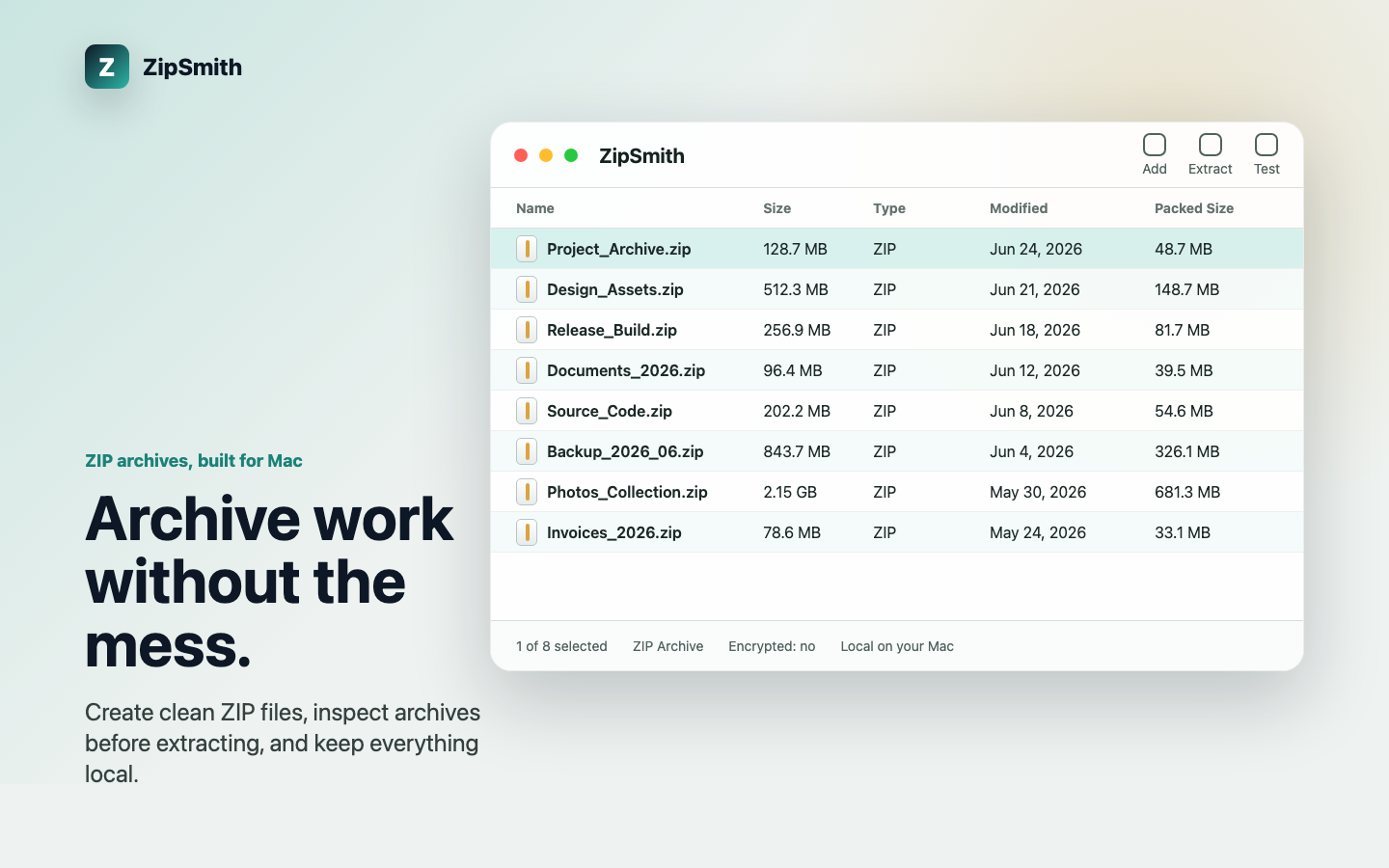
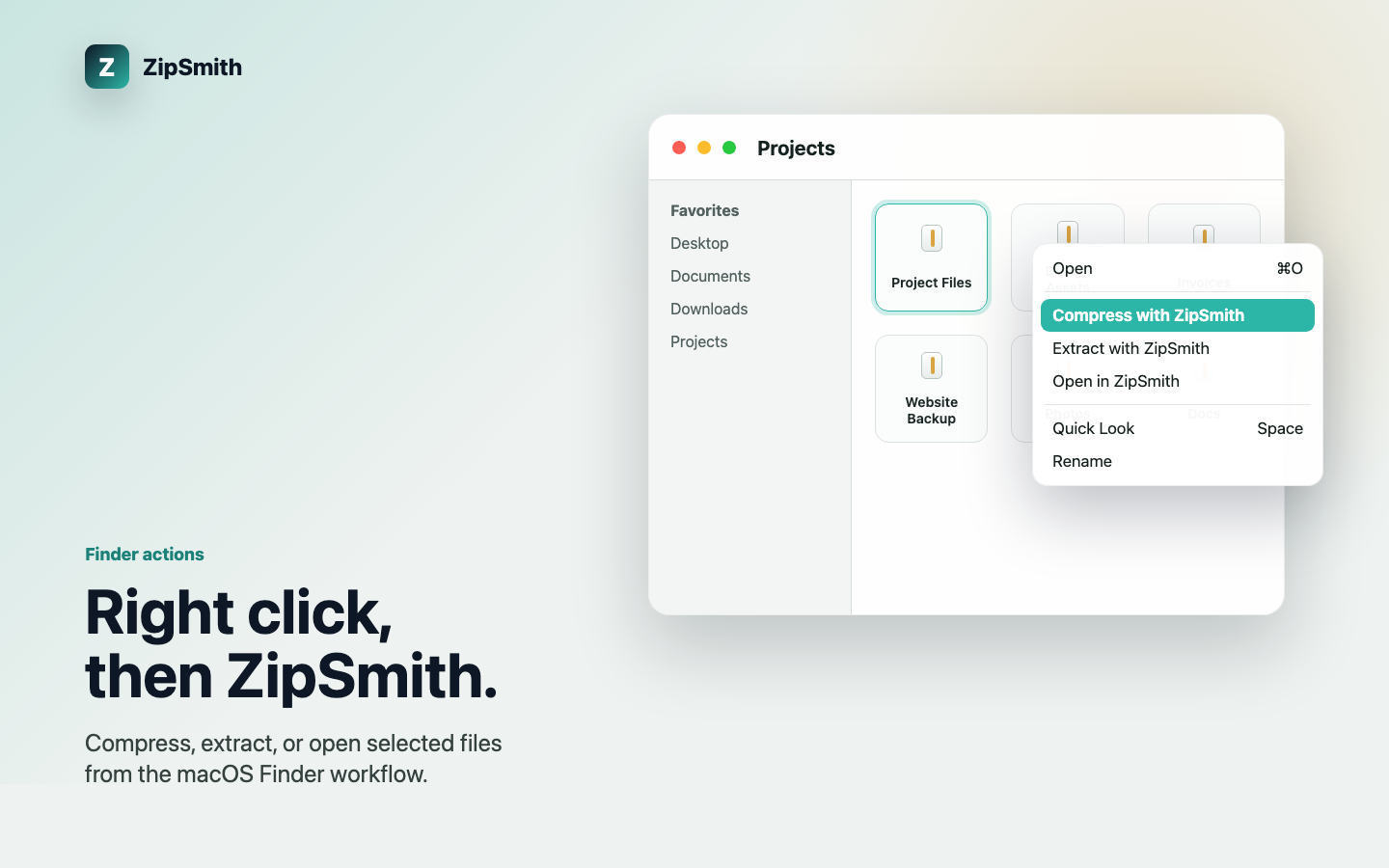
Browse archive contents before extracting, and compress, extract or open straight from the Finder menu.
Runs locally — no account, ads, analytics SDK, tracking, or file uploads. One purchase, no subscription.
Screenshots
Create and extract ZIP, 7z, TAR and more on macOS — with AES passwords, Finder actions, and fully local processing.
Archive support scope
ZipSmith's App Store description matches the submitted binary. Build 2 creates ZIP, 7z and the TAR family, extracts those plus RAR/RAR5, and handles AES-encrypted ZIP and 7z — all processed locally on your Mac.
- Create: ZIP, 7z, TAR, TAR.GZ, TAR.XZ and TAR.BZ2, with a selectable compression level.
- Extract: all of the above plus RAR / RAR5 and other common formats, in full or by selected entries.
- Passwords: create and open AES-encrypted ZIP and 7z archives.
- RAR creation is intentionally omitted (the format is proprietary; RAR is extract-only). Damaged or uncommon archives may still need manual checking — keep the original file before extracting.